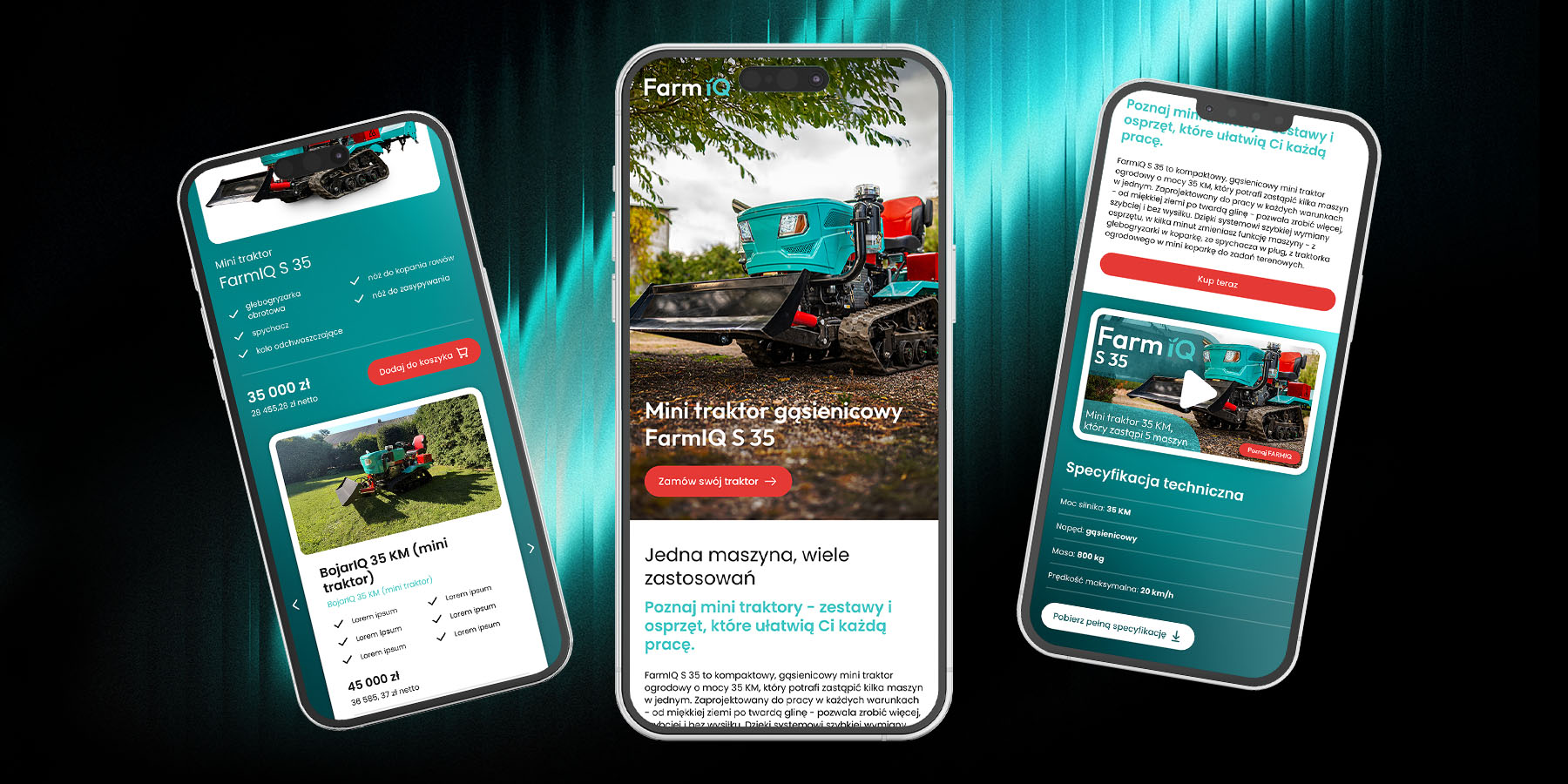
Implementation support and design supervision to ensure the website is functional, responsive, and consistent with the design prototype.
FarmIQ is a new brand entering the Polish market, offering mini tractors—versatile, easy-to-use machines designed for farmers, gardeners, and allotment owners. The website was created to showcase the product, establish a strong brand presence, and enable seamless product configuration and online purchasing.
As part of the project, I developed the design system, co-created the UX/UI for the website, and supported the implementation process.
As the lead designer, I was responsible for the overall visual direction and UX of the project. At the same time, due to limited availability in later stages, there was a strong possibility that parts of the work would need to be handed off to another designer.
The challenge was to create a system that:
The website had to serve multiple purposes simultaneously:
Additionally, the product page needed to function as a sales landing page, clearly presenting different product configurations. The key challenge was balancing depth of information with a smooth and intuitive purchase journey.
The website design was created in parallel with the brand identity, meaning there were no predefined colors, typography, or visual guidelines.
Every design decision influenced the emerging brand direction, increasing the risk of inconsistency and requiring a structured, system-based approach from the very beginning.
Instead of separating branding and UI, both were developed simultaneously based on real product needs.
Colors and typography were defined based on the first screens of the website. This ensured that the visual identity was not abstract, but directly rooted in real use cases and continuously validated in context.
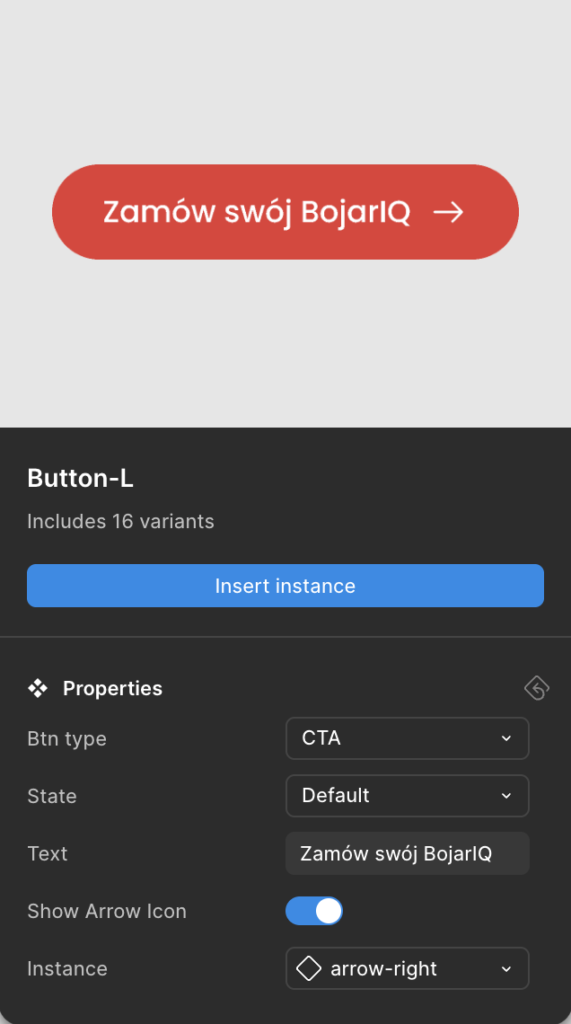
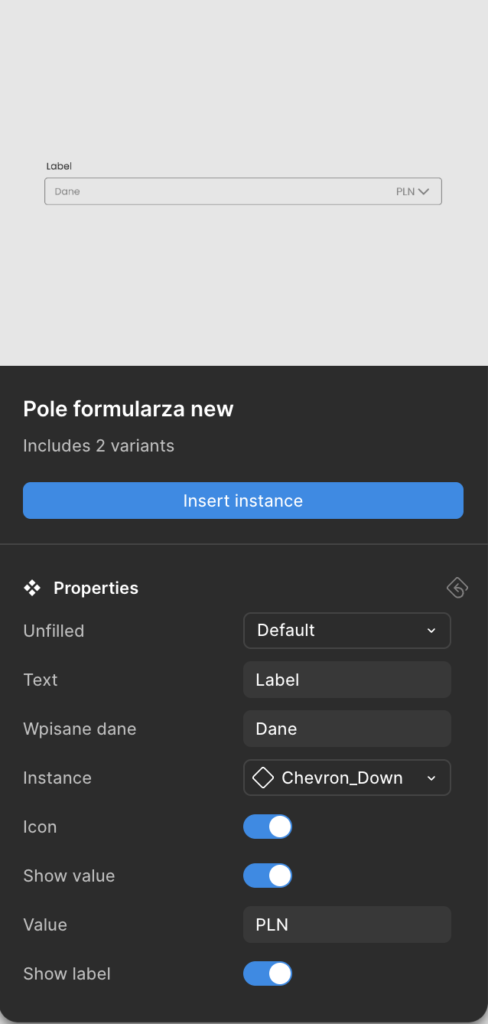
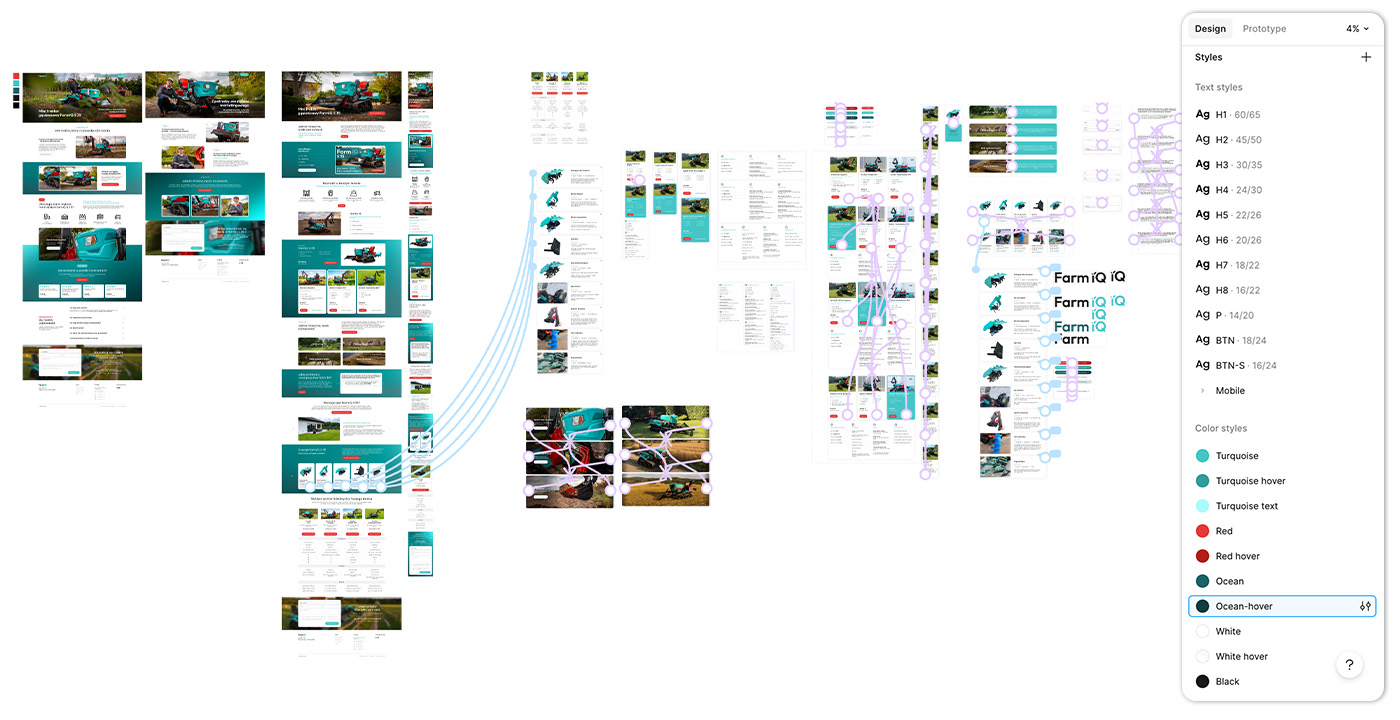
A shared library of components and styles became a common language for all designers involved. Anyone joining the project could rely on predefined elements instead of making independent visual decisions.
With clearly defined rules (colors, spacing, typography, components), micro-decisions were eliminated. Designing became a process of assembling screens from ready-made elements, significantly speeding up both design and development.
Accessibility was considered from the ground up — including proper contrast, readable typography, and predictable interactions.
Interactive components (such as expandable sections and configurators) were used to gradually reveal information. This prevented cognitive overload while still providing all the necessary details for informed decision-making.
The outcome is a cohesive and scalable system that:
The final product is a website that not only presents the product, but guides users through the entire journey — from understanding its value, through exploring available options, to making a confident purchase decision — in a structured, intuitive, and visually consistent way.
Meeting with the Project Manager and Content Creator to define the direction and project goals.
A design system was defined before the UX/UI phase to ensure visual consistency and strong alignment with the brand identity.
The mockups defined both visual and functional aspects of the product, enabling the web developer to begin implementation.
Implementation support and design supervision to ensure the website is functional, responsive, and consistent with the design prototype.
The website may use essential cookies to improve your experience. By using this site, you consent to cookies.
Manage your cookie preferences below:
Essential cookies enable basic functions and are necessary for the proper function of the website.
These cookies are needed for adding comments on this website.